


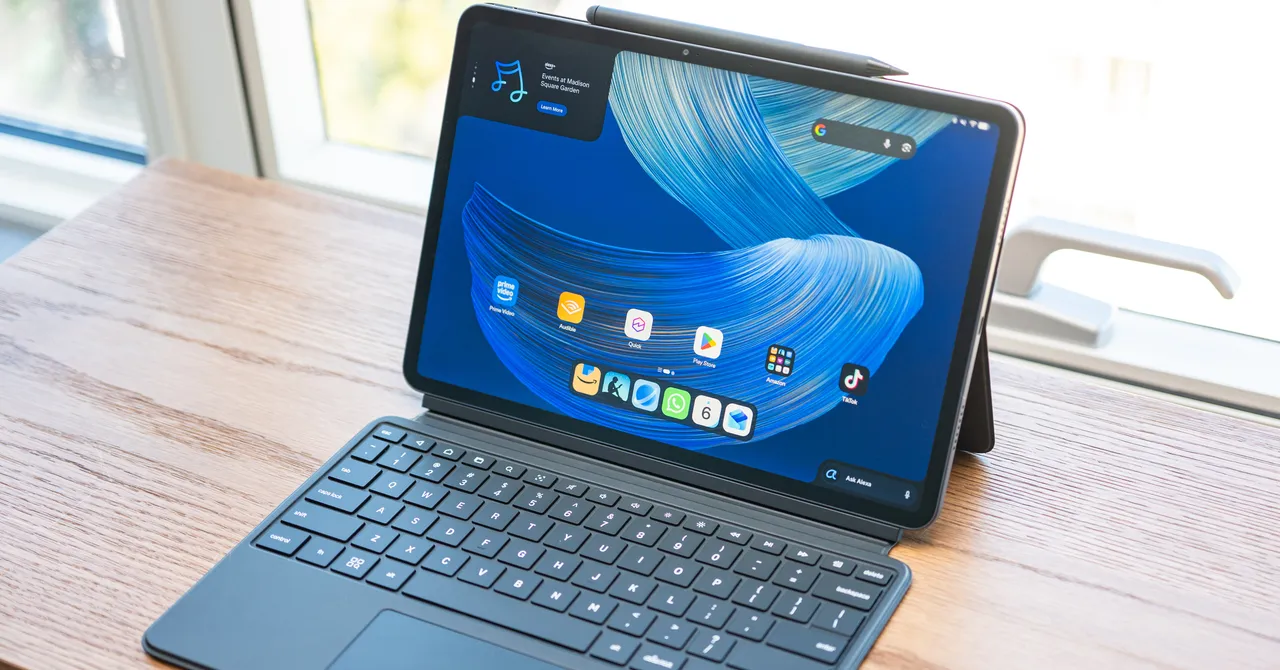
Amazon Alexa Tablet Features: Dynamic Tabs, Kindle Mode and More
Access Amazon Content with Dynamic Tabs
In the top-left corner of the home screen, a persistent widget called Dynamic Tabs gives you quick access to Amazon content you were viewing on another device. The scrollable widget can help you continue reading a book on Kindle, watching a movie on Prime Video on your iPhone, or viewing a photo in Amazon Photos.
Amazon’s For You Feed Replaces Google Discover
Swipe right to open Amazon’s For You experience instead of Google’s Discover feed. Like other Fire tablets, the Alexa tablet puts Amazon content at the center of the experience, including movies, TV shows, games and Kindle tabs.
The tablet also includes a news feed. Tap an Alexa prompt to view more information about a news story.
Kindle Mode Creates a More Focused Reading Experience
Opening the Kindle app activates Kindle Mode, which disables notifications, turns on the blue-light filter and extends battery life to 20 hours, with shorter battery life on smaller tablets.
Kindle Mode also offers three display treatments: the subtle warmth of natural colors, soft paper tones, or black and white. A page-turning effect mimics the experience of turning the pages of a physical book.
Stylus Annotations Sync with Kindle
When you exit the Kindle app, notifications turn back on and the screen returns to its normal settings. Annotations made with the stylus sync with the Kindle app on pen-enabled devices, including Kindle Scribe.
Source: www.wired.com