


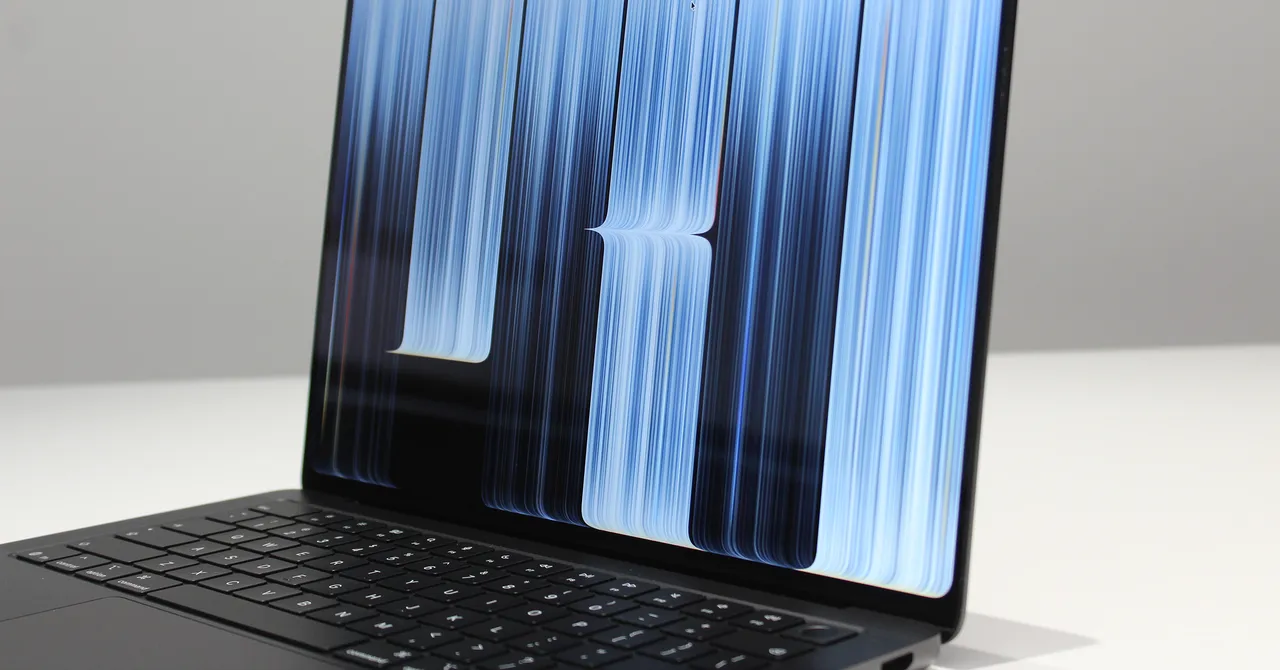
The 2026 MacBook Pro addresses two longstanding laptop-display issues: glare on bright, high-contrast screens and the limited usefulness of touchscreen interactions on macOS. Its high brightness and “state-of-the-art” anti-reflective coating reportedly make reflections less distracting, while an optional nanotextured display offers a more aggressive approach. Apple has also introduced touch support with fluid gestures and several iPadOS-inspired features, although third-party app support and the lack of Apple Pencil compatibility remain limitations.
Reducing glare on the OLED display
Traditional low-brightness OLED laptops can suffer from distracting glare. Their deeper blacks often produce harsher reflections, sometimes making the display feel almost like a mirror. The MacBook Pro’s brightness helps reduce glare and reflections, while Apple also uses what it calls a “state-of-the-art” anti-reflective coating.
Almost all laptop screens use some form of anti-reflective coating, so Apple’s claim would suggest performance at least comparable to competing displays. However, this coating is described as the best seen so far.
The most effective way to reduce glare and reflections remains a nanotextured display. Instead of applying an anti-reflective layer to the screen, this option etches the pattern directly into the display surface. Nanotextured displays are available as an upgrade for both the 14-inch and 16-inch MacBook Pro models.
Touch comes to the MacBook Pro
Another major change is the introduction of touch interaction on the MacBook Pro’s display. Touchscreens and OLED panels have been available on many other laptops for more than a decade, but Apple’s implementation is comparatively restrained, especially when viewed separately from the company’s 2016 Touch Bar experiment.
The touch experience itself is described as impressive. Interacting with on-screen elements feels as fluid as it does on an iPad, and the display supports familiar trackpad gestures such as pinch-to-zoom and three-finger swipes between spaces.
iPadOS-inspired touch features
Some of the most natural touch optimizations appear to come directly from iPadOS. Tapping the Windows control in the top-left corner zooms in for more precise selections. Users can also quickly activate Split View by grabbing a window and flicking it to the side.
Another useful feature allows users to tap, hold and slide down to select an item in the menu bar. However, the software support is not as extensive as hoped. Apple Pencil does not work with the display, and the MacBook Pro’s hardware has not been specifically adapted to make touchscreen use more ergonomic.
Third-party apps remain inconsistent
The larger challenge is third-party software. Touch-to-click works automatically across apps, but developers must add further touch support themselves. The third-party applications shown during the demonstration offered varying levels of optimization.
ZBrush, a 3D modeling application, provides one example. Some areas support touch interaction, but its controls and menus lack the useful optimizations available in Apple’s first-party apps.
Broader adoption would make the touchscreen more valuable, but there is also a possibility that many of these interactions will eventually be forgotten, apart from occasional thumb-scrolling through a web page. Even so, the implementation goes further than anything Microsoft has done so far to optimize Windows 11 for touch, despite Microsoft also supporting Windows 2-in-1 tablets.
With the 2026 MacBook Pro, Apple is continuing to focus on high-end hardware. More testing is expected in the coming weeks, but the OLED display is already emerging as a technology the wider laptop industry may pursue for years to come.
Source: www.wired.com