


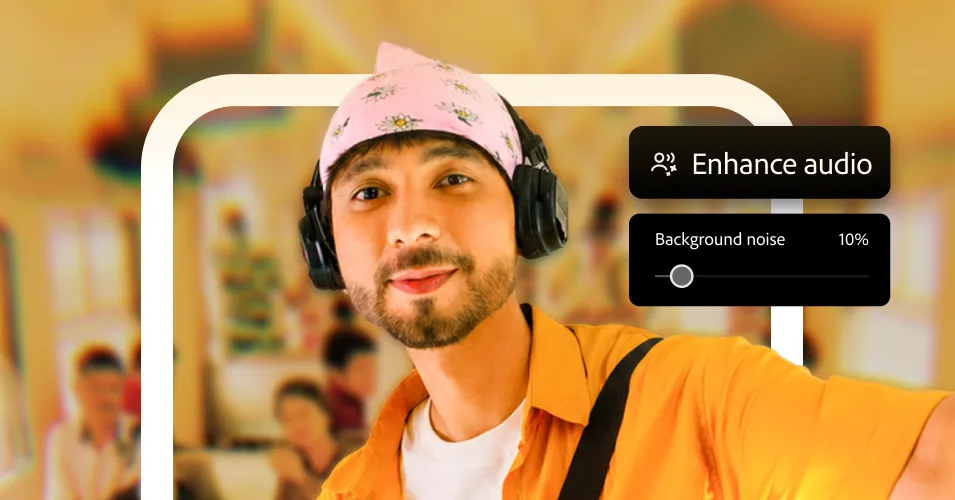
Adobe Premiere Video Editor Finally Arrives on Android
Nearly a year after launching Premiere for iPhone, Adobe is bringing its redesigned video editing app to Android. The app has been available in beta for several weeks and is now available on Google Play as the official successor to Premiere Rush, which Adobe will stop supporting on September 30.
Adobe Premiere is designed for Android devices
Eric Snowden, Adobe’s senior vice president of design, told WIRED that feedback on the iOS app has been “incredibly positive.” The app has more than 25,000 App Store ratings and an average rating of 4.8 out of 5. For Android, Adobe wanted Premiere to feel native to Google’s platform rather than simply replicate the iPhone app experience.
That includes making Premiere work consistently across a wide range of Android devices, from Samsung foldable phones to standard Google Pixel models. On a foldable phone, opening the Adobe Premiere app displays footage on the left and a multitrack timeline on the right to take advantage of the larger screen. Snowden says that optimizing apps for Android foldables could also help Adobe develop apps for the upcoming iPhone Duo.
Provided by Adobe
Android laptop support has limitations
Adobe says its apps, including Acrobat, Photoshop, Lightroom, and Premiere, are optimized for Google’s laptop platform. Newer laptops can take advantage of larger screens, but they do not offer the full “desktop-grade” experience available on Windows or macOS.
Adobe also focused on supporting lower-powered devices. However, Premiere requires at least 5 GB of RAM, and the phone must run Android 13 or later.
“We wanted to run this on as many devices as possible, so the team spent a huge amount of time making sure this wasn’t just for flagship phones,” Snowden says. “It’s compatible with a very wide range of Android devices.”
How to edit videos in Adobe Premiere for Android
When you launch Adobe Premiere, footage from your camera roll appears on the home screen. You can choose a creator-made template for projects in categories such as lifestyle, beauty, and gourmet, or start editing from scratch.
Adding footage is straightforward. After that, you can choose between the Mini Editor and the full editor. The Mini Editor lets you trim or replace clips and apply a filter to give all your footage a consistent color style. You can also export videos directly to YouTube Shorts without leaving Premiere.
For more detailed projects, the full editor includes a multitrack timeline with support for layered text, music, and effects.
Source: www.wired.com