


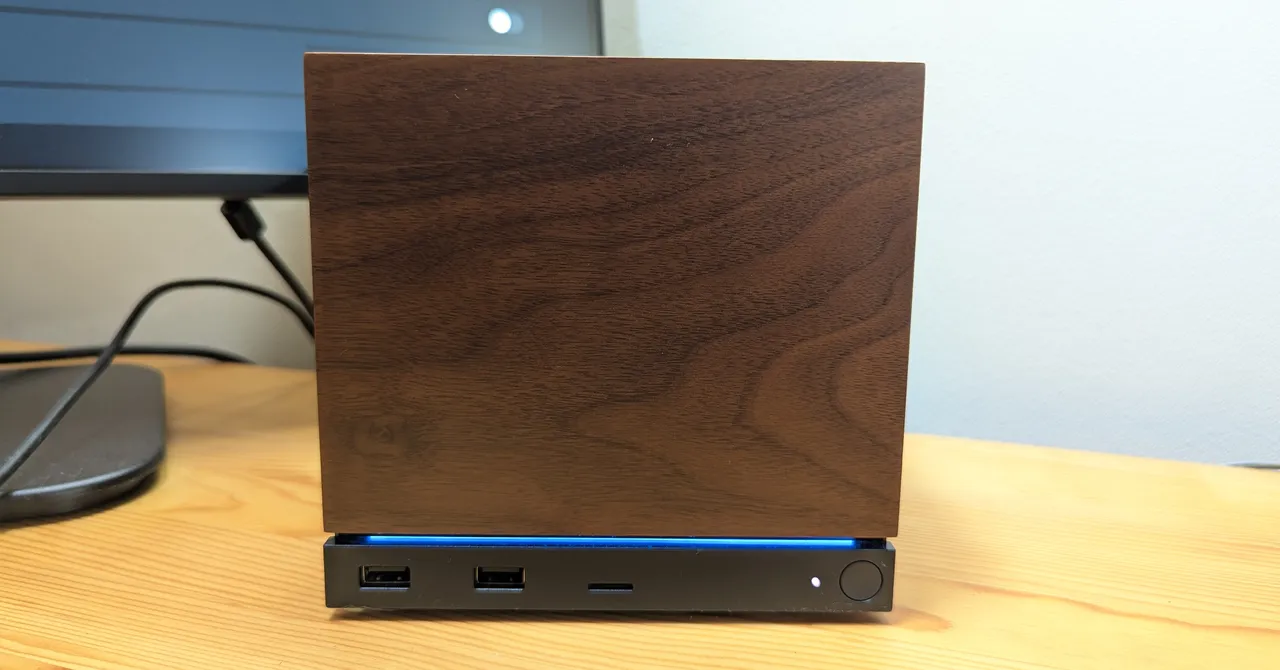
Discover the power of the Steam Machine from Valve and utilize AMD’s cutting-edge FidelityFX Super Resolution (FSR). It’s essential to note that the Steam Machine Verified badge for games in the Steam Store is determined using a 1920 x 1080 resolution benchmark.
In my testing experience, I used a stunning 55-inch 4K OLED TV alongside a 27-inch 1080p desktop monitor, both capable of a 120Hz refresh rate and using HDMI connections. I tested the Steam Machine with four notable games: Marvel’s Spider-Man Remastered, Crimson Desert, LEGO Batman: Legend of the Dark Knight, and the Japanese RPG Granblue Fantasy Relink Endless Ragnarok. Frame rates were monitored via the Steam Machine’s built-in Performance Overlay, accessed by tapping the “…” button on the Steam Controller.
While playing Spider-Man on the 4K OLED, the default output resolution was 2048 x 1152, achieving a smooth 60 frames per second (fps). However, manually switching to 3840 x 2160 (full 4K) without using AMD’s FSR caused performance to dip to 30-45 fps. When FSR was enabled with “Dynamic Resolution Scaling” aimed at a target of 60 fps, the Steam Machine delivered seamless 4K visuals without noticeable image degradation. The HDR feature on my TV enhanced color and contrast significantly. Meanwhile, on the 1080p monitor, the Steam Machine consistently outputted 1080p at 60 fps, albeit without HDR resulting in a slightly muted appearance. Overall, the performance was impressive across the board.
Moving on to Crimson Desert, this intriguing game is resource-intensive and not officially supported on the Steam Machine. Nevertheless, it booted perfectly. With graphics set to “Ultra,” FSR enabled, and “Native Antialiasing,” I managed around 40 fps in the menus. In-game, however, performance dropped to 20-25 fps. Reducing the settings to “High” provided a slight improvement to 25-30 fps but came with screen tearing during cutscenes.
By adjusting the advanced resolution settings to “Quality,” I squeezed out 30 fps, and further lowering to “Balanced” allowed for around 60 fps—but at the cost of noticeable quality loss in environmental textures.
On the 1080p monitor, the experience greatly improved, maintaining a steady 60 fps even with settings maxed to “Ultra” and advanced features like shadow ray tracing and weather effects turned on. This is a commendable performance for a game Valve claims cannot run effectively on the Steam Machine.
In LEGO Batman, playing on the TV at 4K with FSR and graphics set to “High” led to fluctuating frame rates between 15 to 45 fps. However, FSR focused on performance stabilized the frame rate at around 45 fps, peaking at 75-90 fps in certain sections, although it dropped below 30 fps during vehicle sequences. On the monitor, I achieved a comfortable 60 fps at 1080p with “High” settings, but attempts to enhance image quality brought the frame rate down to about 30 fps. Similar issues were observed with the powerful MSI Claw 8 EX AI+ handheld, indicating that LEGO Batman isn’t well optimized on PC, highlighting the Steam Machine‘s limitations with poorly optimized titles.
Source: www.wired.com