


The Fairphone’s 6.3-inch AMOLED display with a smooth 120Hz refresh rate delivers a strong everyday viewing experience. Colors are vibrant, images look sharp, and the screen gets bright enough for comfortable use in direct sunlight. The adaptive brightness feature can be slightly aggressive, occasionally requiring manual adjustment, but overall, the display is one of the phone’s strengths.
With a 4,415mAh battery, the Fairphone offers reliable but not class-leading battery life. Most days ended with around 20% remaining by bedtime, providing approximately 5–6 hours of screen-on time. Wireless charging is not supported, although that is more of a missing convenience than a major drawback. The phone also does not include a USB-C charging cable, following the growing industry trend of reducing unnecessary electronic waste—though you likely already have a compatible cable at home.
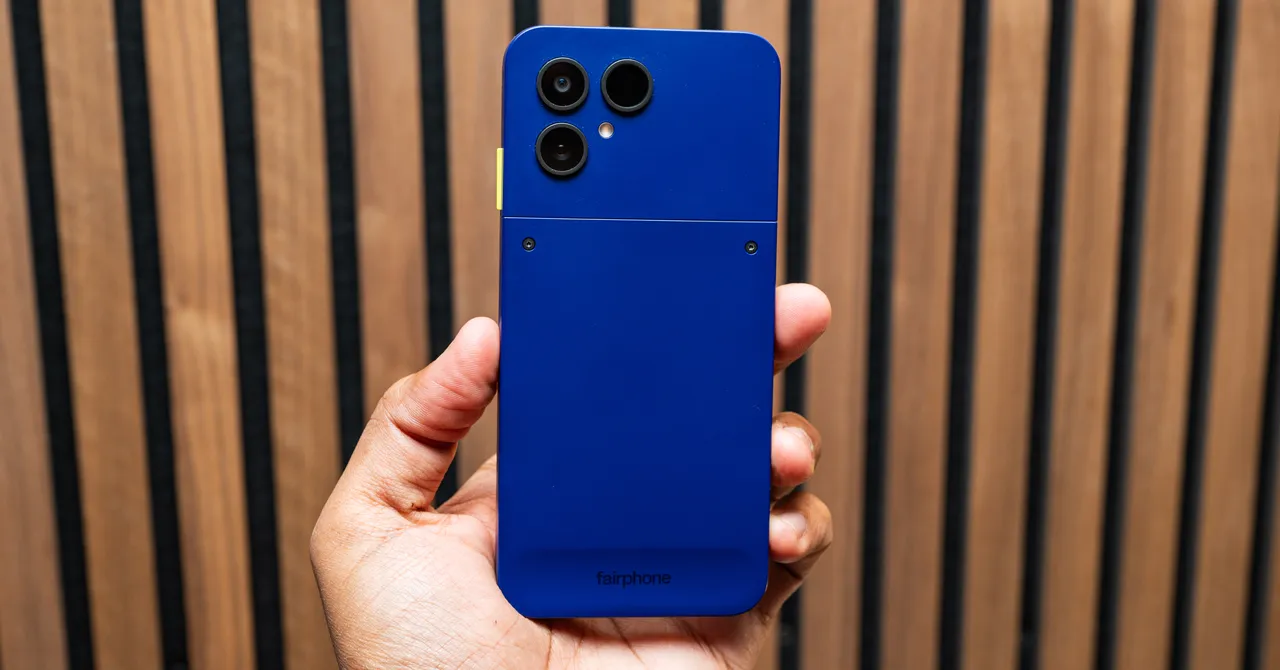
The Fairphone features a capable dual-camera system with a 50MP main sensor and a 13MP ultrawide camera. While it cannot fully compete with the camera performance of flagship phones from Google, Apple, or Samsung, it produces good results in well-lit conditions. Low-light photography is the system’s main weakness, with shadow detail often lost and moving subjects prone to blur. The 32MP selfie camera can also produce slightly soft images, but the results are still suitable for everyday use. However, users who place a strong emphasis on smartphone photography and video recording may want to consider a more camera-focused alternative.
Fairphone keeps the Android 16 software experience largely clean, with the main addition being Fairphone Moments. This feature is linked to the yellow switch on the phone’s right edge. Flip the switch and the interface changes to a simplified layout with access to only a limited selection of apps. You can create up to five custom Moments apps to stay focused on specific tasks. For example, a driving-focused profile could provide quick access to Google Maps, Spotify, and your phone. It is a thoughtful and effective feature, although its usefulness ultimately depends on whether you choose to use it regularly.
Source: www.wired.com