


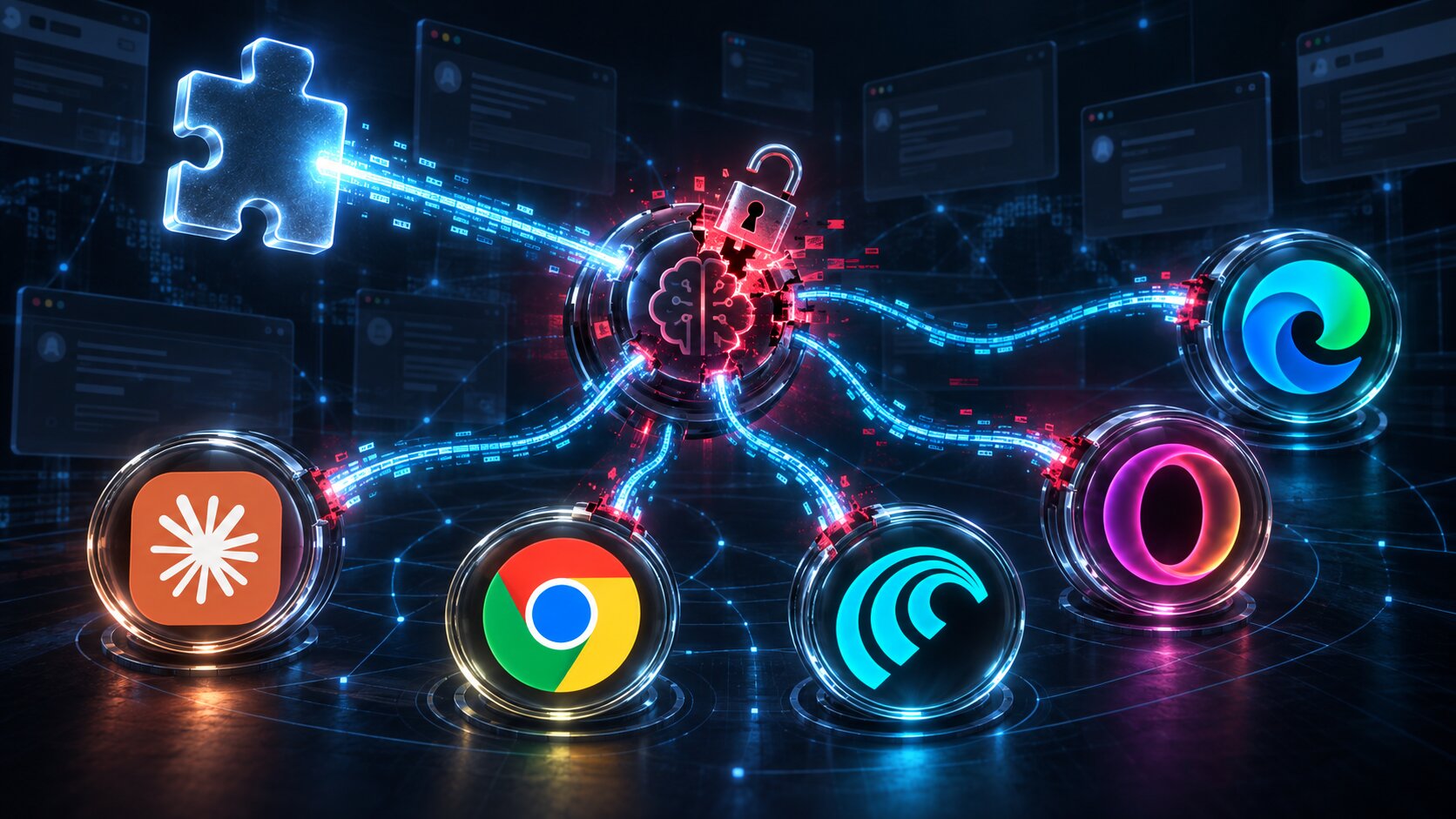
BragJack Attack Lets Malicious Browser Extensions Hijack AI Browser Assistants
Forever Security security researcher Gal Weitzman has disclosed a new attack technique that allows a single malicious browser extension to hijack the AI assistants built into popular browsers.
The proof-of-concept attack, called BragJack, was demonstrated against five Chromium-based browsers or browser assistants: Google Chrome’s Gemini Live, Perplexity Comet, Microsoft Edge, Opera Neon, and Anthropic’s Claude in Chrome.
The research resulted in more than $20,000 in bug bounty payments from five vendors, with individual rewards ranging from $600 to $7,000. The findings also resulted in two CVEs.
BragJack requires a malicious extension to already be installed in the victim’s browser. Once installed, however, the attack can be carried out without further user interaction. The extension can take control of an AI browser agent and abuse its existing privileges to access sensitive information or act on the victim’s behalf.
Google and Microsoft have since fixed the vulnerabilities assigned to them.
BragJack exploits trusted browser components
The attack takes advantage of the way AI assistants are increasingly connected to browsers and granted browser-level functionality.
In his technical explanation, Weitzman describes these systems as having a “brain” and a “body.” The AI model processes instructions and decides what should happen, while privileged browser components carry out actions such as accessing tabs, reading page content, taking screenshots, and interacting with websites.
According to the research, browser extensions can manipulate web traffic and pages that these privileged components trust.
The same extension was used against all five targets. The attack relied on Chromium’s Declarative NetRequest (DNR) functionality, which allows extensions to change how network requests are handled, including modifying response headers and redirecting resources.
In the Chrome attack, Weitzman said that directly accessing privileged components or injecting scripts into Google’s Gemini site was blocked. However, DNR rules could still intercept requests made by the embedded Gemini web application.
By weakening security headers and redirecting JavaScript resources, the researcher executed code in the Gemini context and communicated directly with Chrome’s privileged AI component instead of using Gemini’s normal request flow.
The resulting access could allow an attacker to read local files, access web content, take screenshots, and reach the browser’s camera and microphone. Google assigned the finding CVE-2026-0628 and paid a $7,000 bounty.
From reading browser data to controlling AI agents
Attacks against agentic browsers such as Perplexity Comet and Opera Neon are even more serious because these assistants can perform actions on websites rather than simply read them.
In Comet, Weitzman found that the browser’s built-in agent extension trusted several Perplexity domains, including a test domain that did not have the same protections as the primary perplexity.ai website. By removing the redirect to that domain with DNR, he inserted a content script that could load the domain and communicate with the built-in agent.
The resulting access included browsing history, screenshots, local files, and the ability to send instructions to the agent. Weitzman demonstrated forcing the agent to visit Perplexity, summarize a victim’s emails, and send the results to a separate address.
Microsoft Edge presented a different challenge. Microsoft had separated the agent’s capabilities into “think” and “do” modes to prevent it from processing arbitrary instructions and executing actions simultaneously.
Weitzman discovered a race condition that could temporarily disable the restriction while a prompt was being enforced, then re-enable the action capability before the agent checked its state. Microsoft assigned the issue CVE-2026-55945.
Similar flaws were identified in Opera Neon and Claude, although Claude in Chrome is a browser extension rather than a browser.
Earlier this year, while working at Manifold Security, Weitzman reported a related weakness in Claude for Chrome. The extension ran built-in AI workflows in response to synthetic clicks without verifying that they came from real users. According to the report, the behavior remained reproducible after eight releases.
Separately, LayerX previously reported a related flaw in the same extension in April. Claude for Chrome checked the origin of Claude Eye instead of verifying which script was actually driving it.
What is prompt coercion?
Weitzman refers to the techniques used to control the AI agents as “prompt coercion.”
In a traditional prompt-injection attack, an attacker attempts to place malicious instructions in content that an AI system is already reading. With prompt coercion, the attacker can pass the entire prompt and follow-up instructions to the agent. The agent then uses its existing permissions to translate those instructions into legitimate browser actions.
This creates a challenge for endpoint defenses because the final action is not performed by traditional malicious code. Instead, legitimate software is instructed to carry out the attack.
BragJack highlights the growing risks as browsers and other endpoint applications gain more capable AI agents. Depending on their design, compromised extensions that once only displayed or modified web content could become a pathway to software that reads files, views sensitive data, and operates websites on a user’s behalf.
How users can reduce the risk
Users should keep their browsers updated, remove extensions they do not recognize or no longer use, and carefully review extensions requesting the “Read and modify all data on all websites” permission.
Weitzman’s complete technical breakdown covers all five attacks.

Join Mikko Hypponen and security leaders from the NFL, Chanel, and Atlassian for a two-hour digital summit about what will change with AI-speed attacks, what defenders should stop doing, and how to verify, decide, fix, and revalidate at machine speed.
Source: www.bleepingcomputer.com