


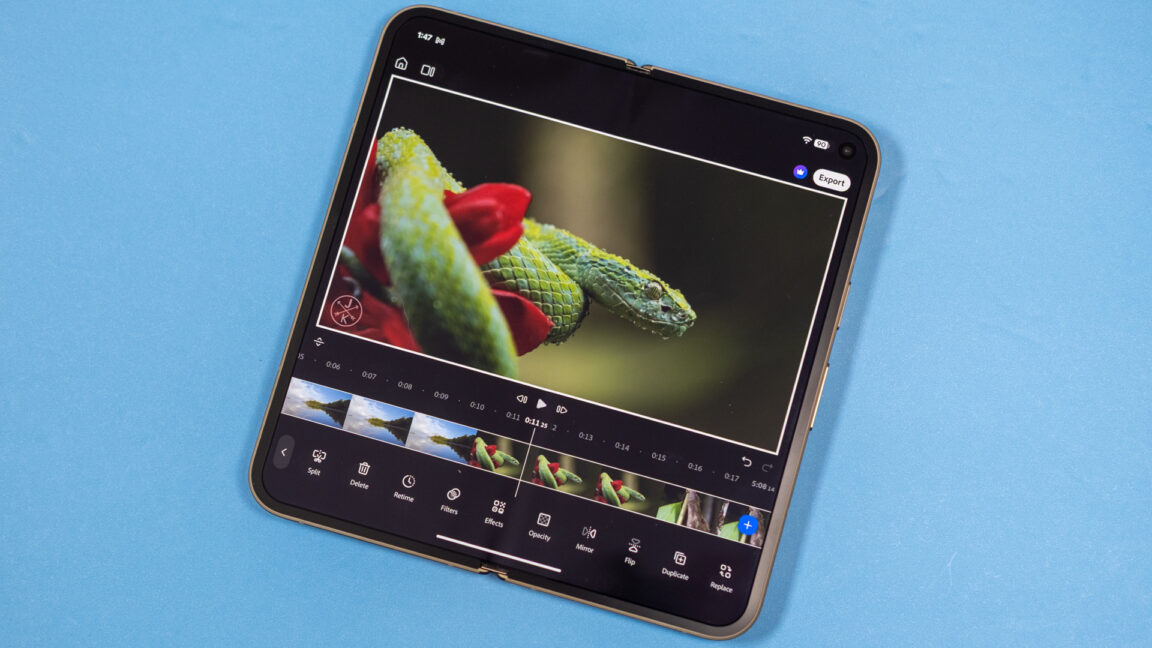
Adobe Premiere for Android: 4K Editing Performance, AI Features and Pricing
Adobe Premiere for Android handles high-bitrate 4K video surprisingly well, even on a Google Pixel that isn’t known for extreme performance. I imported multiple high-bitrate 4K clips without experiencing major slowdowns, although a newly added video track can take about a minute to process.
How fast is Premiere for Android?
Video exports aren’t instant, but they are faster than expected for a Pixel. Exporting a 3-minute 4K60 video in high-quality mode took about 3 minutes. Adobe Premiere for Android is designed to work on devices with at least 5GB of RAM.
A powerful video editor for Android
Premiere’s editing interface includes many options. Unless you’re a professional or an avid video editor, the app offers more than enough editing power. Adobe also says that Premiere, along with the rest of its mobile app portfolio, is optimized for Google Chromebook laptops. Users who need more advanced tools can still use the full desktop version of Premiere, although that option is not available on Chromebooks.
Premiere for Android is free
Premiere for Android is free and does not require a subscription or Creative Cloud account unless you want to use its generative AI tools. The app supports image-to-video and text-to-video generation, with access to Adobe’s “commercially safe” Firefly model as well as Google Veo, Google Omni, Luma Ray and Kling models.
Adobe Premiere mobile AI credits and pricing
Premiere lets you generate some clips for free and includes 250 AI credits each month. That is enough for several Veo Fast clips at 80 credits each or one Firefly video. For $70 per year or $8 per month, the Premiere mobile app provides 1,200 AI credits each month.
Even without the paid AI features, Premiere offers a significantly improved free video-editing experience on Android. Apple devices received the app last year, but for Android users, the arrival follows the familiar “better late than never” approach.
Source: arstechnica.com