


Microsoft has released Windows 11 preview update KB5120998 for version 25H2 and version 24H2. The optional cumulative update includes 35 improvements, with notable changes to the Start menu, taskbar, Windows Search, update management, and administrator protection.
KB5120998 is a non-security preview update that gives IT administrators and Windows users an opportunity to test upcoming fixes, quality improvements, and features before Microsoft includes them in the next monthly Patch Tuesday release.
Unlike mandatory cumulative updates, optional monthly preview updates do not contain security fixes. They are intended only to deliver quality improvements and allow Microsoft to identify potential issues before the changes are broadly deployed.

After installing the August 2026 Windows 11 preview update, users can change the taskbar position by going to Settings > Personalization > Taskbar > Taskbar behaviors > Taskbar location. The taskbar can be moved to the bottom, top, left, or right side of the screen.
Microsoft has also added a smaller taskbar option designed to reduce the taskbar height and icon size, helping maximize available screen space on smaller devices. Users can also choose between smaller and larger Start menu layouts and customize which sections appear under Pinned, Recommended, and All. The update also adds options to show or hide individual sections, as well as hide the account name and profile picture.
KB5120998 also begins the rollout of administrator protection features. These capabilities allow users to complete administrative tasks with just-in-time privileges, helping reduce the risk associated with persistent administrator access.
“Administrator protection is not classified as a formal security boundary. The introduction of profile separation provides additional security against privilege escalation attacks,” Microsoft said. “This feature is off by default and can be enabled using OMA-URI in Microsoft Intune or through Group Policy.”
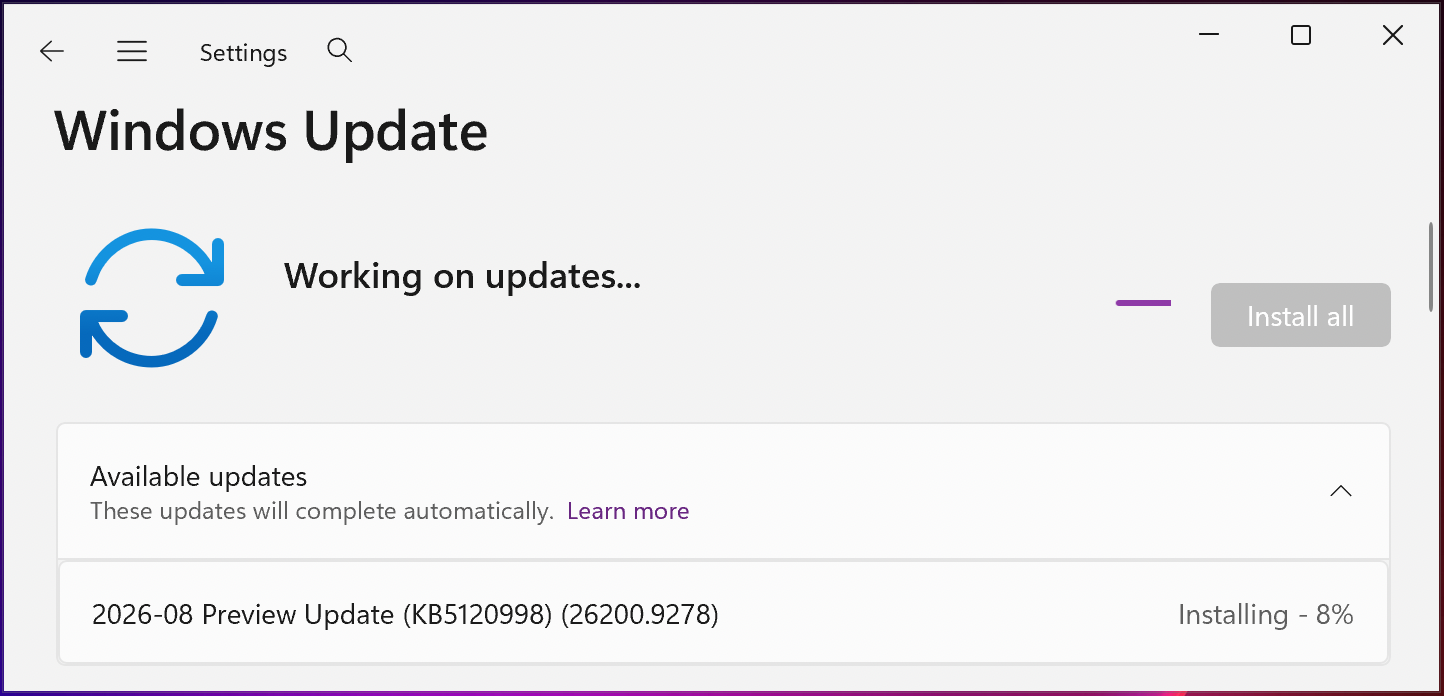
To install Windows 11 KB5120998, open Windows Settings, select Windows Update, and click Check for updates.
Because KB5120998 is an optional update, Windows will not automatically install it unless the Get the latest updates as soon as they’re available option is enabled. Users must select Download and install when the preview update appears.
Administrators and advanced users can also download and install the KB5120998 preview update manually through the Microsoft Update Catalog.
Windows 11 KB5120998 highlights
Installing this optional, non-security update advances Windows 11 version 25H2 to build 26200.9278 and version 24H2 to build 26100.9278.
In addition to the taskbar and Start menu changes, the August 2026 Windows 11 preview update includes the following improvements:
- Windows automatically indexes frequently used folders and displays files from those locations in future search results. This setting can be managed under Settings > Privacy & security > Searching Windows > Automatically search for relevant places.
- Windows improves restart behavior by returning PCs to sleep after an update has finished when the device was manually placed into sleep mode, even if automatic sleep is disabled.
- Windows Update can coordinate updates for supported applications. Participating apps may benefit from improved scheduling and a more streamlined update process through the Windows Update Orchestration Platform.
- The update improves reliability and resilience against background VPN-related issues that could cause the VPN process to stop responding.
- Beginning in August 2026, Windows 11 versions 24H2 and 25H2 will no longer include the Windows Management Instrumentation Command Line, or WMIC, utility. WMIC is already removed by default from new installations and will no longer be available as a Feature on Demand.
Microsoft has also warned that a limited number of consumer and business devices could restart one additional time while installing the August 2026 optional update and other updates released in the coming months.
“Recent and upcoming Windows updates over the coming months may cause a limited number of consumer and business devices to experience one additional reboot during installation,” Microsoft said in a message center update. “This one-time reboot occurs after the Secure Boot certificate update is applied as part of the Secure Boot update process.”
Microsoft previously announced that Windows 11 version 24H2 Home and Pro editions will stop receiving updates within two months. Windows 11 24H2 Enterprise and Education editions will remain supported through October 2027.
Microsoft recommends that eligible users upgrade to Windows 11 version 25H2, also known as the Windows 11 2025 Update, to continue receiving the latest features and updates.

The overall prevention score can hide what happens after the initial access. If an attacker uses valid credentials, your defenses drop sharply.
Blue Report 2026 measures defense techniques by technology across 338 million simulations run in customer production environments.
Source: www.bleepingcomputer.com