


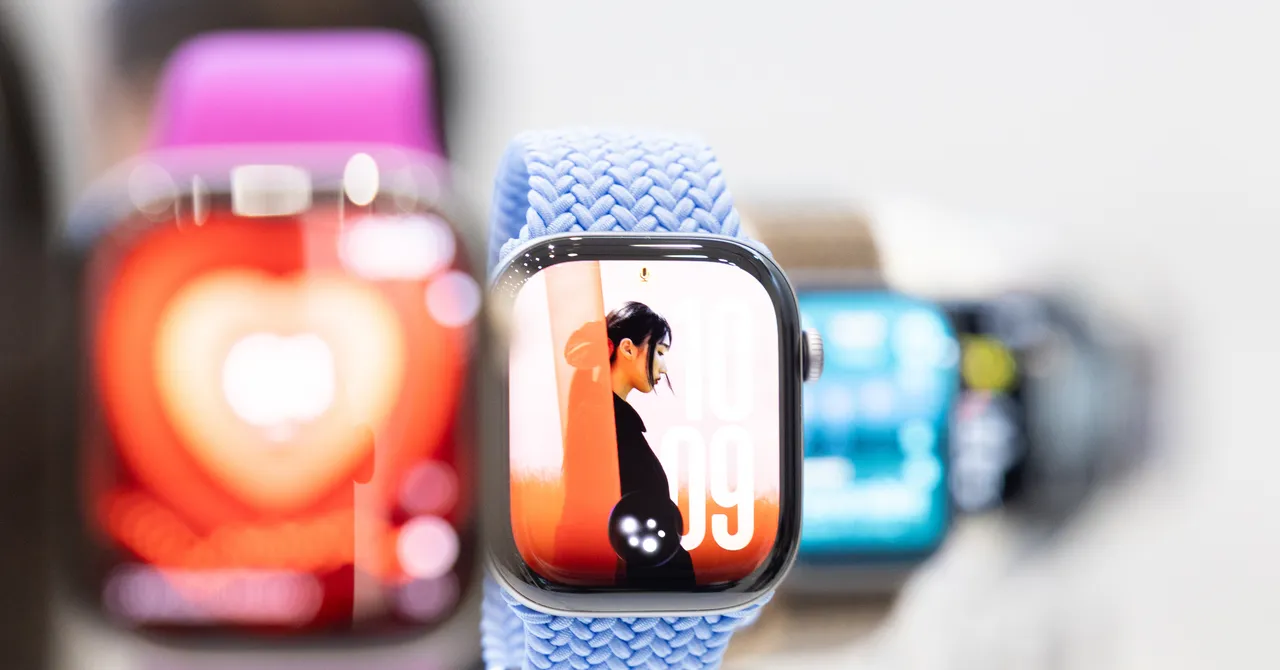
Apple Watch Series 12 Review: New Gestures, Health Tracking and AI Audio Features
The Apple Watch Series 12 makes one-handed operation easier by adding single-tap gestures to Apple’s existing double-tap and wrist-flick controls. Tap your index finger and thumb together to select a widget in the Smart Stack, or double-tap to scroll. With a flick of your wrist, you can return to the clock face, stop a timer or dismiss notifications. These gestures are especially useful when multitasking or using the Apple Watch discreetly.
Single-Tap Gestures Make the Apple Watch Easier to Control
Apple’s expanded gesture controls are designed to make everyday interactions more convenient. The new single-tap gesture adds another way to operate the watch without touching the display, while double-tap and wrist-flick controls continue to handle scrolling, navigation and notifications.
Apple Watch Series 12 Performance and Step Tracking
The new S11 chip delivers faster CPU and GPU performance along with a more efficient neural engine. It also powers a modified pedometer designed to improve step and distance measurements, particularly when walking or running indoors.
Compared with the Apple Watch Series 11, however, there was no noticeable numerical difference in performance. The more useful update may be the new Steps complication, which displays real-time step counts directly on the watch face without requiring you to open the Activity app.
More Advanced Health Sensors and Heart Rate Monitoring
The biggest hardware upgrade is Apple’s new health detection system. The Apple Watch Series 12 includes 32 electrodes to improve skin contact during ECG measurements, compared with two electrodes on the Series 11. Apple has also rearranged the photodiodes into a ring configuration to improve optical sensing and added a larger green LED for more accurate heart rate measurements.
One of the watch’s biggest selling points is its more frequent health monitoring. The Series 12 measures heart rate every five seconds while you are moving, while the Series 11 measures heart rate every five minutes, even when you are relatively stationary. The Series 12 can also measure heart rate variability, or HRV, every five minutes instead of every two hours on the Series 11.
The watch tracks two HRV values: recovery HRV and overall HRV. For health-conscious users, more frequent sampling offers a more continuous view of how the body responds to stress throughout the day instead of providing only a few individual snapshots. These measurements are available in the Heart Rate app and through the new Live Heart Rate complications.
Readiness App Adds a Recovery Score
Apple has finally introduced a unified recovery score with the new Readiness app. It analyzes activity, sleep and other health data to estimate how prepared you are for the next day. The app requires seven days of sleep data before it can provide a score, giving it time to establish a baseline.
I prefer using scores as simple shorthand rather than trying to interpret every individual metric myself. However, I remain skeptical of recovery scores that rely on proprietary algorithms to summarize complex physiological conditions. Even so, Readiness can be a useful prompt to pay closer attention to how your body feels, and I’m glad Apple finally offers the feature.
Apple Health App to Add Longevity Features
Apple is also planning a redesigned Health app for later this year. The update will include a new Longevity tab and metrics such as Healthy Age, which compares health data with demographic data.
I haven’t been able to test these features yet, but the idea of seeing a health age could be either oddly satisfying or immediately anxiety-inducing.
Audio Intelligence Features Bring New Privacy Questions
Audio Intelligence may be the most controversial feature Apple has added to the Apple Watch Series 12. The suite includes four audio-focused tools, including Shazam acceleration and sound recognition. Sound recognition has been available on the iPhone since 2020.
The more significant additions are Siri Recap and Live Rewind. Both use the Apple Watch microphone to capture and process audio, raising questions about privacy and how these features operate. I haven’t been able to test either feature yet, and both are expected to arrive later this year.
Siri Recap Uses Apple Intelligence to Summarize Conversations
Siri Recap is Apple’s answer to the growing popularity of AI-powered note-taking tools. When enabled, it uses Apple Intelligence to transcribe conversations and generate summaries.
The feature could be useful for meetings and classes. During the briefing, I saw Siri Recap turn a parent-teacher association meeting into detailed notes and reminders that I found genuinely helpful.
Source: www.wired.com