


Smart Home Security Without a Monthly Subscription: Build a DIY System with Local Storage
No one wants to worry about an intrusion. But no one wants to pay a monthly fee just to check doorbell video footage or find out that a window has been broken.
Most smart security systems—and even traditional systems that are not advertised as smart—use the fear of paying a monthly fee to promise protection against thieves and intruders. These systems can work well and provide valuable peace of mind, but that protection often comes with a hefty price tag.
Many people may be satisfied with a home security system they can build themselves without a subscription. If you do not want a system that calls the police or fire department when you fail to respond quickly to an alert that turns out to be minor, or you do not want strangers viewing your property through surveillance cameras, a DIY approach may be right for you.
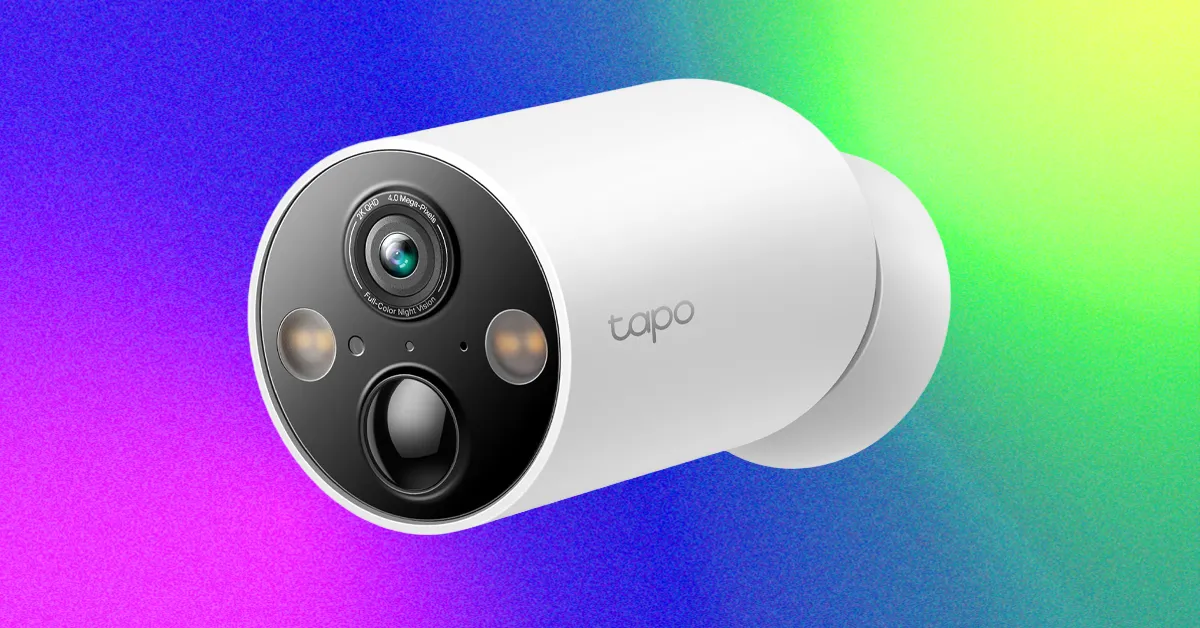
In this guide, we will introduce some of our favorite smart home security accessories with local video storage options. With local storage, you can avoid recurring fees and reduce your reliance on cloud services. This gives you more control over your system and helps you build smart home security without a subscription.
What Is a Smart Home Security System?
In my opinion, any smart security system can work, but there are also many starter kits you have probably seen. Smart home brands such as Abode and SimpliSafe offer starter packs that include motion sensors, door sensors, and security hubs. These hubs can sound an alarm when one of the sensors is activated.
Smart home security can include much more than sensors and alarms. Most systems allow you to add security cameras or video doorbells to monitor activity around your home and identify people at your door who should not be there. These devices can also help you keep track of package deliveries and unexpected salespeople.
Whether they are DIY or brand-specific, these systems are usually modular and customizable. Their overall goal is to protect and monitor your home using motion sensors, alarms, and video feeds.
Home security brands typically offer several subscription options, along with some type of free self-monitoring tier. However, you will usually lose access to features that encourage you to subscribe.
What Do You Get With a Smart Home Security System and Subscription?
I remember encountering my first subscription paywall a few years ago while testing an Abode smart lock. I liked the lock, but it woke me up in the middle of the night with a vague notification. Had the lock been hacked? I wondered whether it had detected that someone manually opened it while we were asleep.
Abode’s basic service did not explain how the lock had been manipulated, so there was no way to know what happened. I signed up for an Abode membership that day so I could see the event. Fortunately, the Wi-Fi connection had only dropped and reconnected within a minute. Crisis averted.
Video storage is one of the main features placed behind a subscription paywall. It lets you review past events recorded at home. Other paywalled features may include notification types and notification history. Exactly what is included depends largely on the brand and its services.
Professional live monitoring is almost always subscription-based. This may include an agent calling the police when an alarm goes off, reviewing flagged footage such as a motion alert, notifying you about the situation, or contacting emergency services on your behalf.
Professional monitoring is one feature you cannot fully replace on your own. If you cannot contact the police when something goes wrong—for example, while you are on vacation—you may be out of luck.
Base stations from home security companies such as ADT, SimpliSafe, and Vivint act as smart home hubs. They connect to and control sensors and other devices, and they can sound alarms. Some may also include a keypad for arming and disarming the system.
Source: www.wired.com