



Chrome Uses Gemini to Detect Scam Websites and Block ClickFix Commands
Google Chrome is adding a new anti-fraud feature powered by Gemini to detect fraudulent websites and warn users when they copy suspicious commands associated with ClickFix attacks.
The updates are part of Safe Browsing’s enhanced protection, which Google says can make users 10 times safer from phishing, social engineering, notification abuse, and other online scams compared with standard protection.
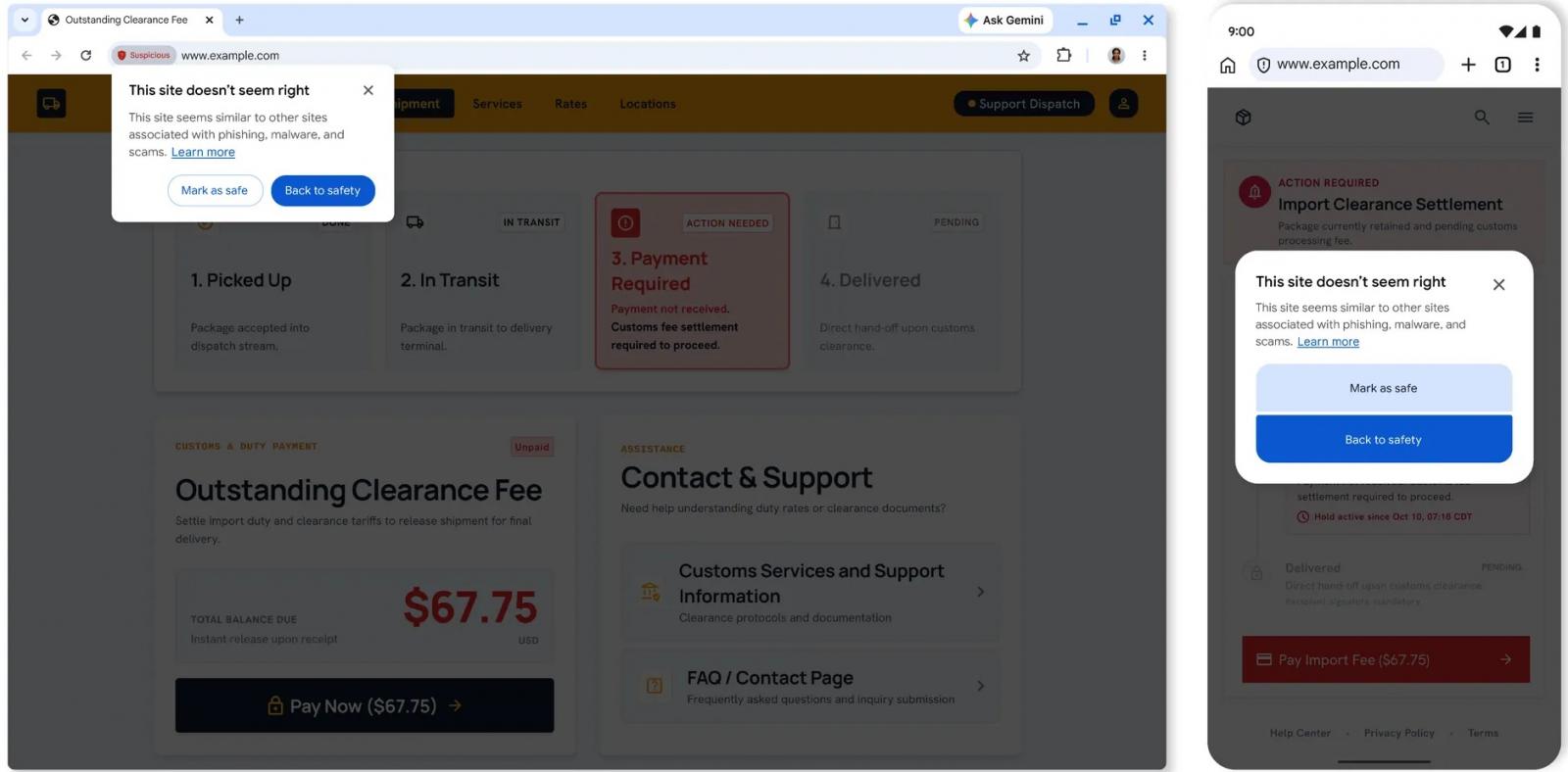
Chrome is also introducing a new “Suspicious site” warning for pages that display deceptive patterns but do not meet the confidence level required for the existing full-page red warning.
“Suspicious site alerts notify users when a page displays deceptive patterns commonly associated with known malicious sites,” Google explained.
Google added that adjusting the alert interface allows Chrome to expand its coverage and display more protective warnings without requiring every suspicious page to trigger a full-page red alert.
Chrome moves Gemini scam detection from on-device to the cloud
Chrome previously used an on-device Gemini model to detect technical support scams. For users who enable enhanced protection, Chrome is now moving to a more powerful server-side model.
According to Google, the model evaluates signals including the brand displayed on a page, the page’s intent, and how likely it is to be a scam. Safe Browsing combines Gemini’s analysis with domain reputation and other security signals.
Google said Chrome limits the data sent to its servers by analyzing page text only when a site is considered highly reliable for signs of fraud.
“Whenever page content is sent from a device, it is processed ephemerally, meaning it is not logged, persisted, or used to train models,” the company said.
Chrome can detect suspicious ClickFix commands
Enhanced protection can also identify suspicious commands copied as part of ClickFix scams. These attacks typically trick users into running malicious PowerShell or Command Prompt commands themselves.
When Chrome suspects a ClickFix script, it removes personally identifiable information from the clipboard payload and sends the remaining data to Safe Browsing for analysis. If the command is determined to be unsafe, Chrome displays a warning before the user continues.

The overall prevention score can hide what happens after the initial access. If an attacker uses valid credentials, your defenses drop sharply.
The Blue Report 2026 measures defense techniques by technology across 338 million simulations run in customer production environments.
Source: www.bleepingcomputer.com